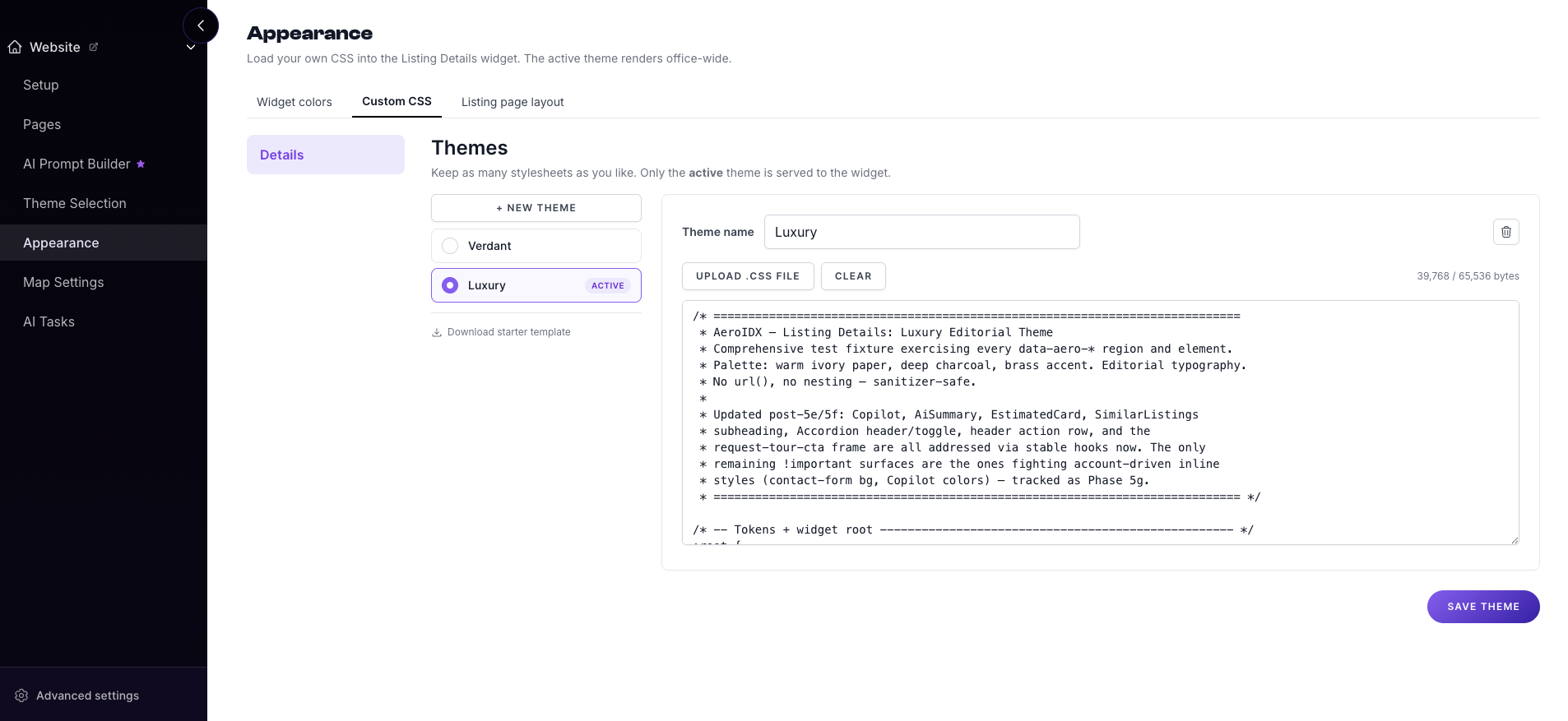
Listing Detail
Gallery first, facts below, contact always in reach.
Pick one and it restyles your listing detail pages, your search map, and your property cards together. One choice, applied everywhere, so the site never looks like it was assembled from parts.
Do not have a website yet? Start from a full website theme instead.
Clean and modern. Perfect for any market or property type.
The default. Generous photography, plain type, and a layout that gets out of the way, which is why it holds up across every price band. Start here unless your inventory pushes you somewhere else.
See it in action Gallery first, facts below, contact always in reach.
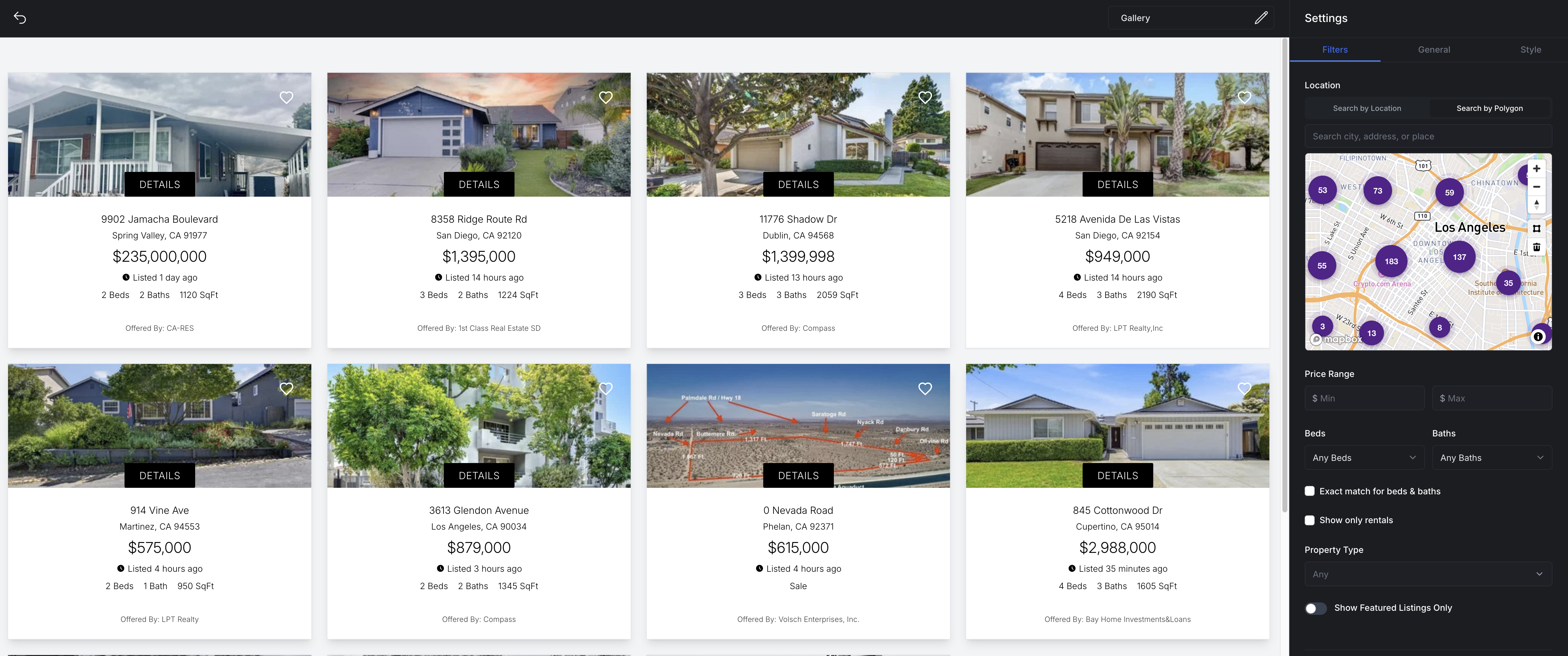
Filters across the top, results beside the map.
Square photo, price, beds, baths, square feet.
Elegant and upscale. Ideal for high-end listings.
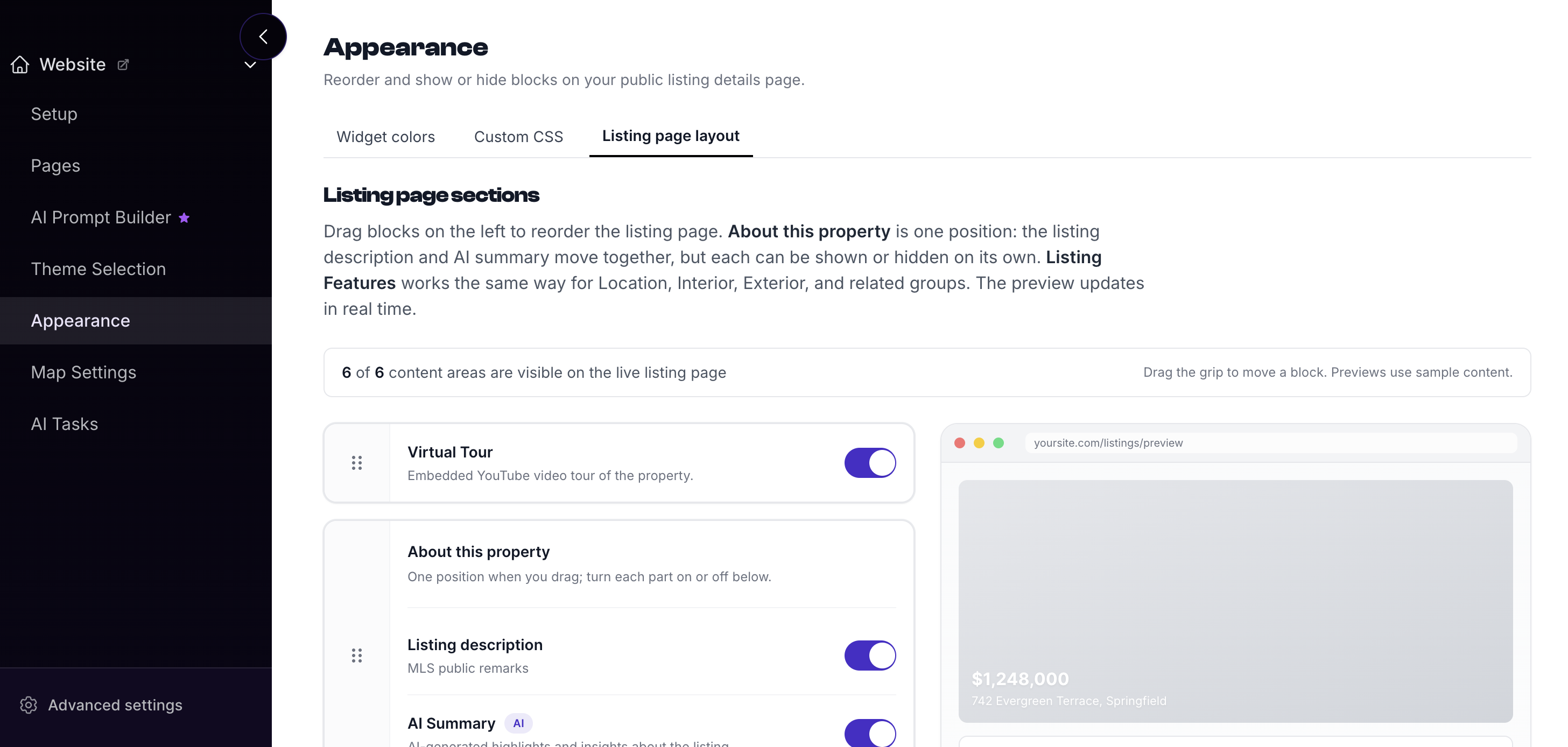
More room between elements, quieter type, and photography that runs wider. Suits an inventory where buyers browse slowly and the pictures are doing the selling.
See it in action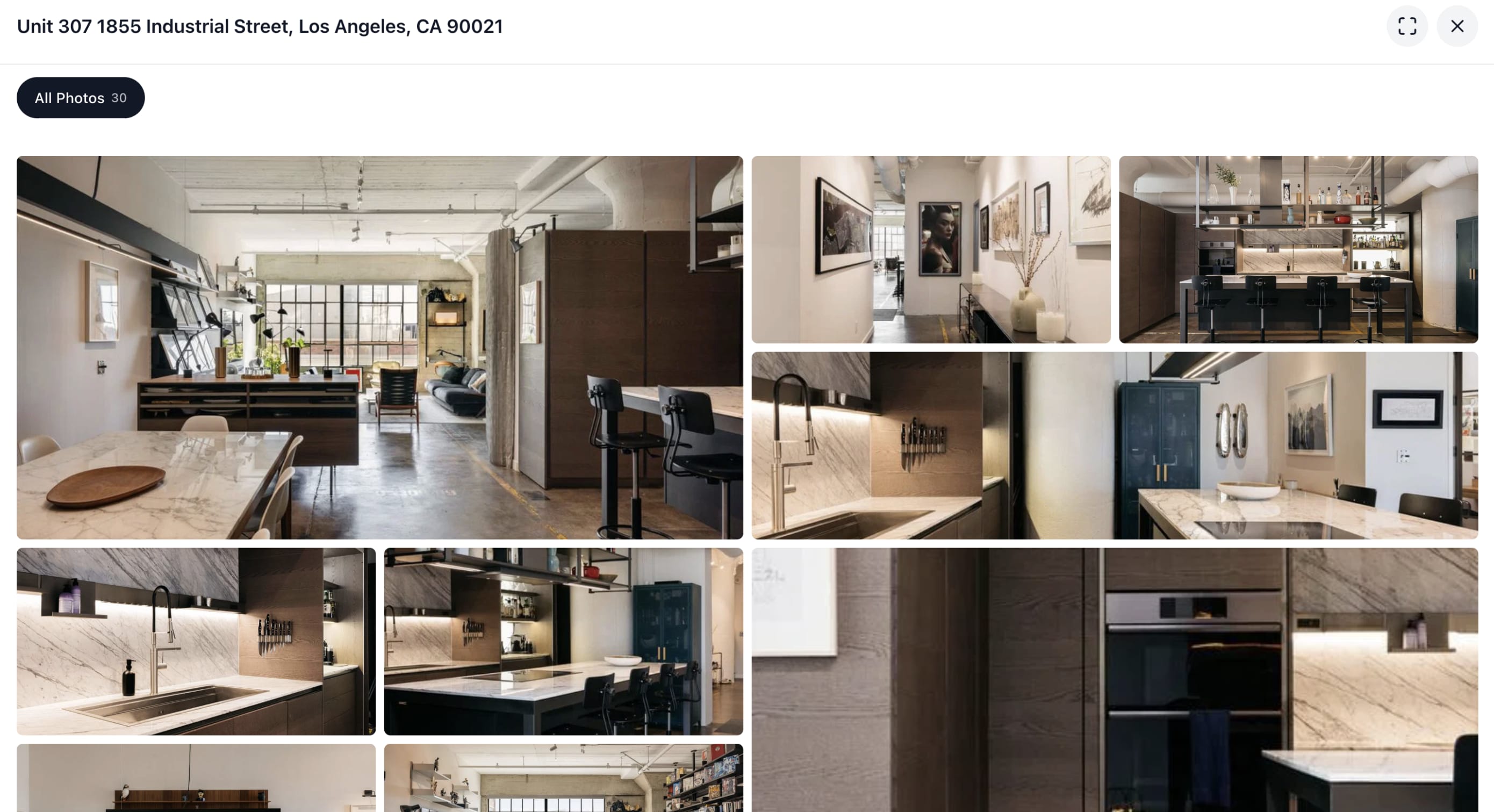
Wider hero, quieter type, more breathing room.
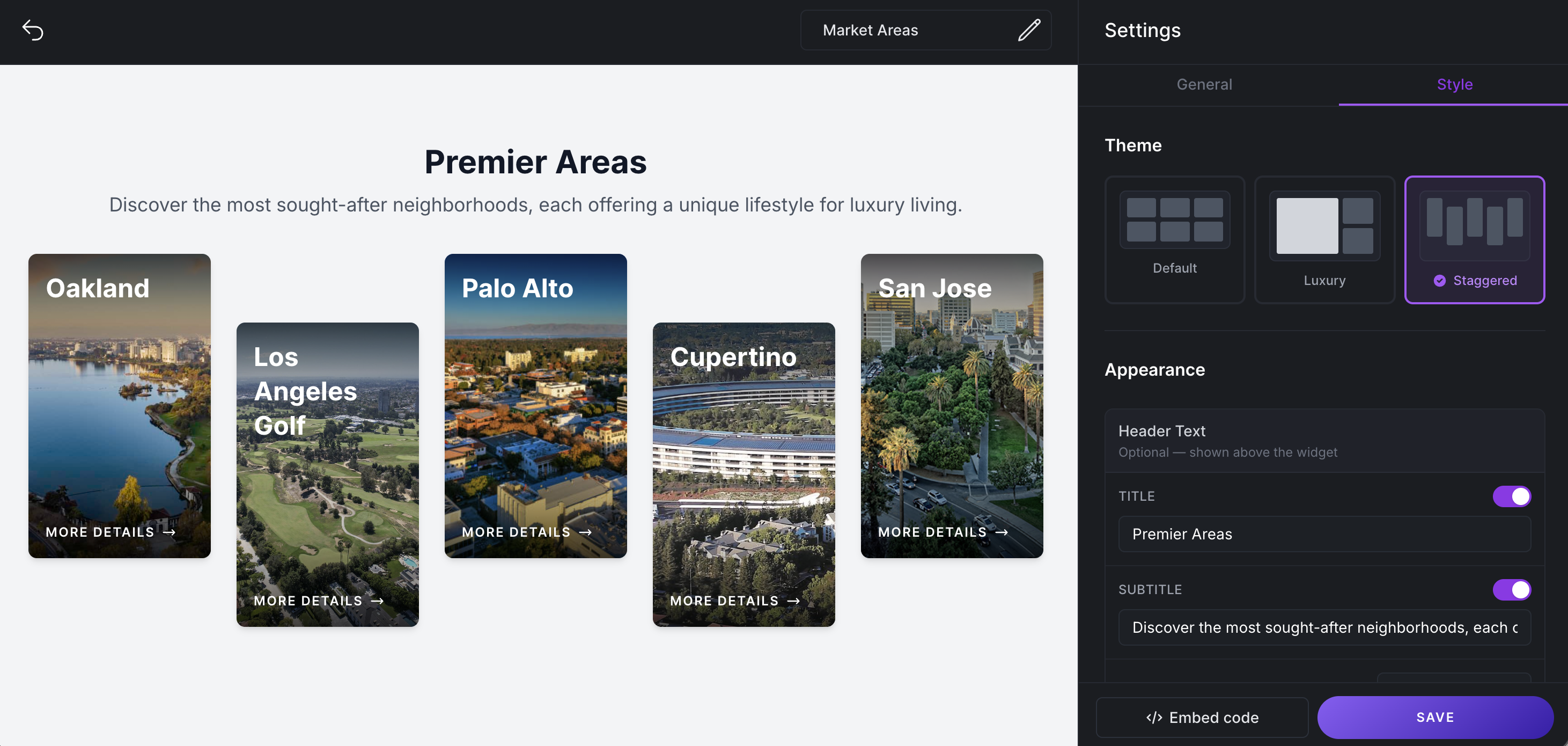
Restrained controls, larger result cards.
Taller photo, price leads, less metadata.
Luxury and prestigious. For your finest properties.
The most editorial of the three. Serif headings, full-bleed imagery, and metadata pared back to the essentials. Built for estate and waterfront inventory where the address carries the listing.
See it in action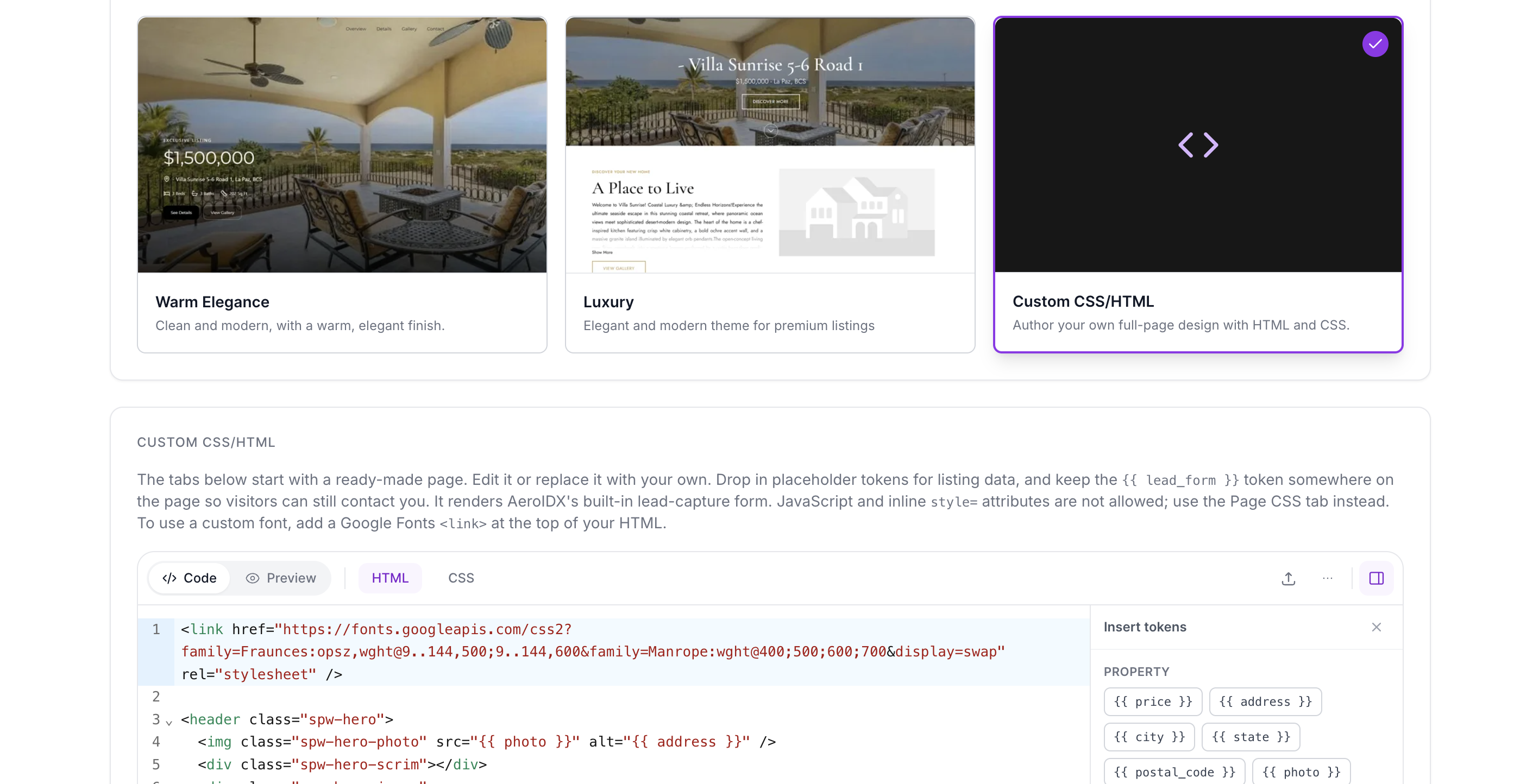
Full-bleed photography, serif headings.
Dark chrome, controls pared back.
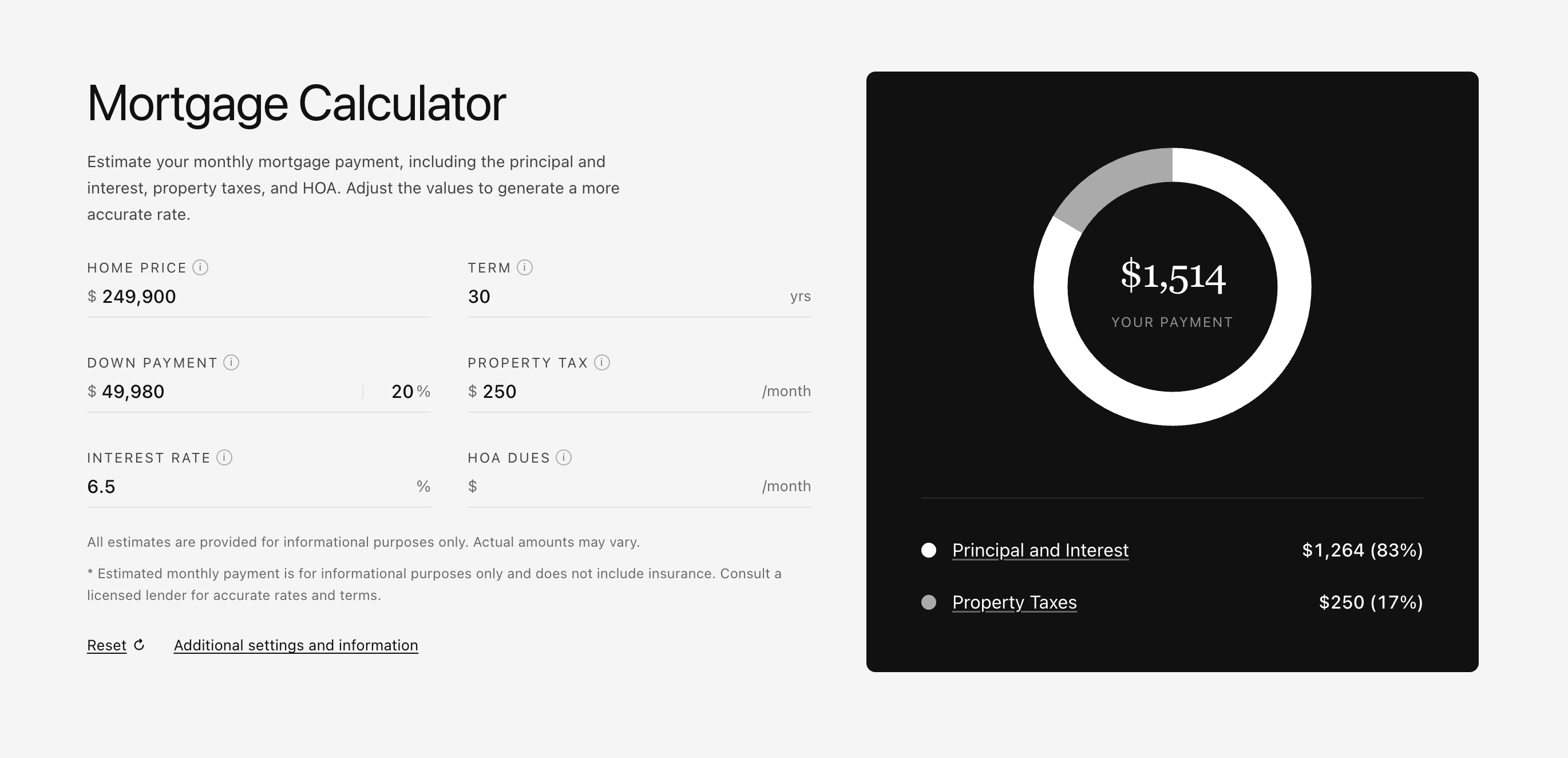
Address leads, price follows, nothing else.
FAQ
Three: Classic, Premium, and Prestige. You pick one under Settings, Website, Designs, hit save, and the site updates. There is no separate build step and no developer involved.
No, and that is deliberate. A design applies across every surface at once so your listing pages, map, and cards always agree with each other. Mixing is where sites start looking assembled rather than designed. If you need a specific change, custom CSS is the way to make it.
Yes, any time. A design controls layout and styling, not your data. Listings, saved searches, leads, and pages are untouched by the switch, so trying one costs you nothing.
Start from whichever is closest and take it further with custom CSS. The template editor also accepts your own HTML if you want to rebuild a surface outright, with the listing data filling in around your markup.
Yes. AeroIDX installs on WordPress, HighLevel, Squarespace, Wix, Webflow, or plain HTML. These designs are what the IDX looks like running inside the site you already have.
All three are, and each is tested on phones and tablets. Most real estate traffic arrives on a phone, so the mobile layout is designed first rather than squeezed down afterwards.
Make it yours
Tell us which MLS you belong to and we wire the feed into the site you already have. Pick a design at setup and change your mind whenever you like.
Switching designs never touches your listings, saved searches, or leads.