What's New?

Stay updated with the latest features and improvements

AI-Powered Next Steps

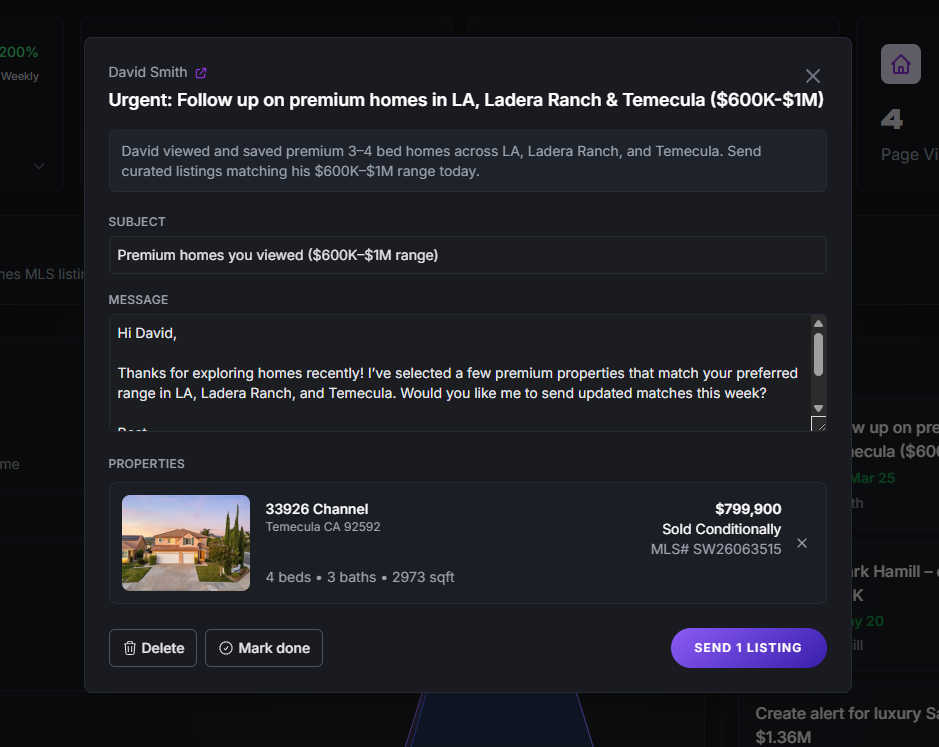
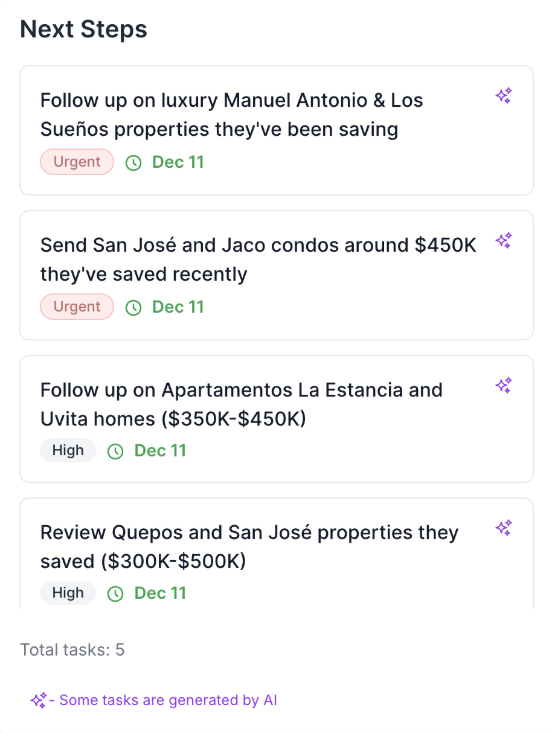
We’ve enhanced your workflow with smarter, AI-powered automation. The Next Steps section now analyzes your leads’ behavior and automatically creates prioritized follow-up tasks based on real client activity.

  • Automatically generates tasks when clients save properties or show high intent
  • AI-powered smart suggestions highlighted with the ✨ icon
  • Tasks are tagged (Urgent, High) to help you focus on the right leads first
  • Instant reminders when clients interact with high-value listings, including luxury homes and condos
AI-Powered Next Steps interface showing prioritized follow-up tasks with smart suggestions, urgency tags, and automated task generation based on client activity

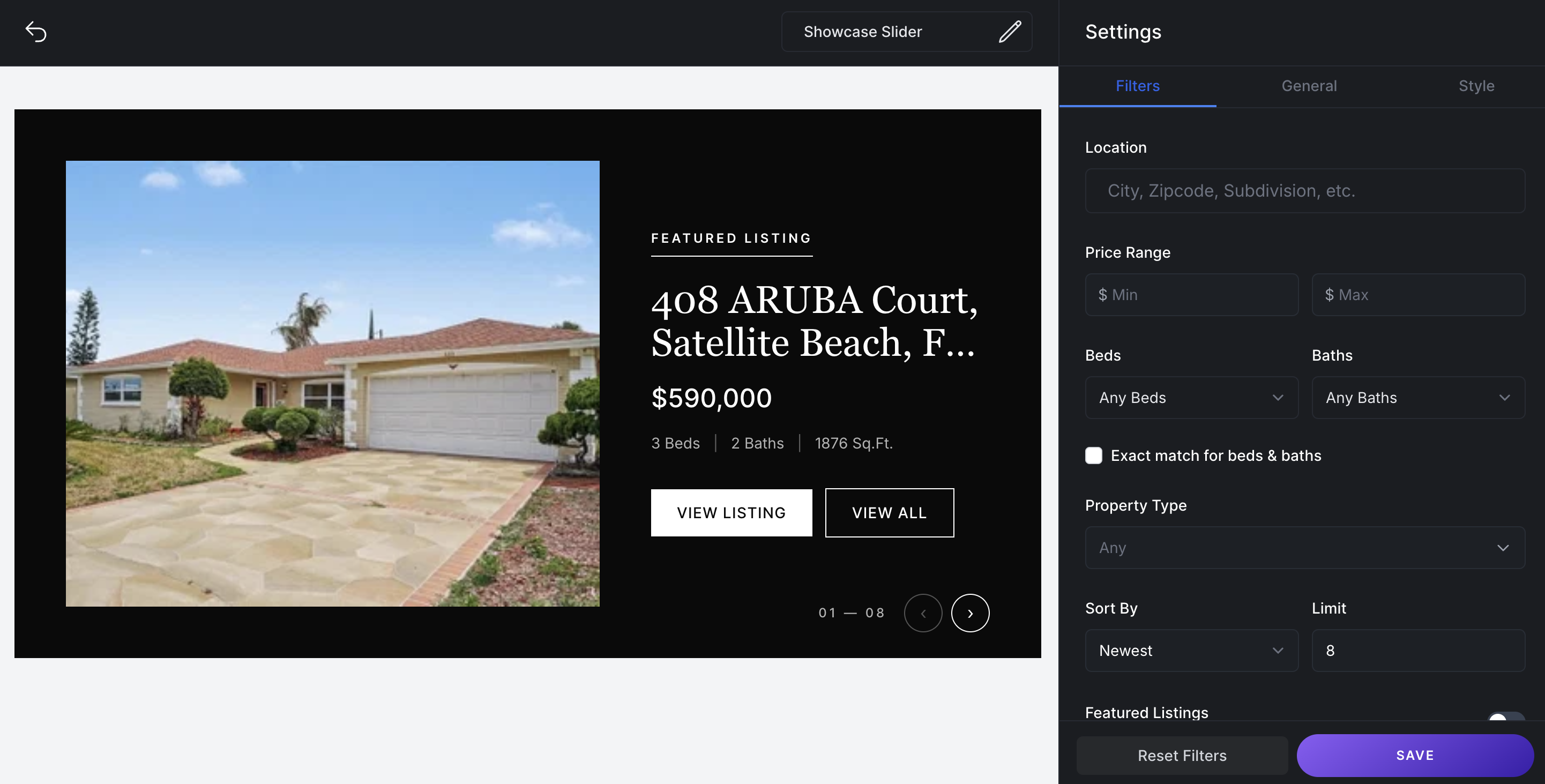
“Show Only Rentals” Filter

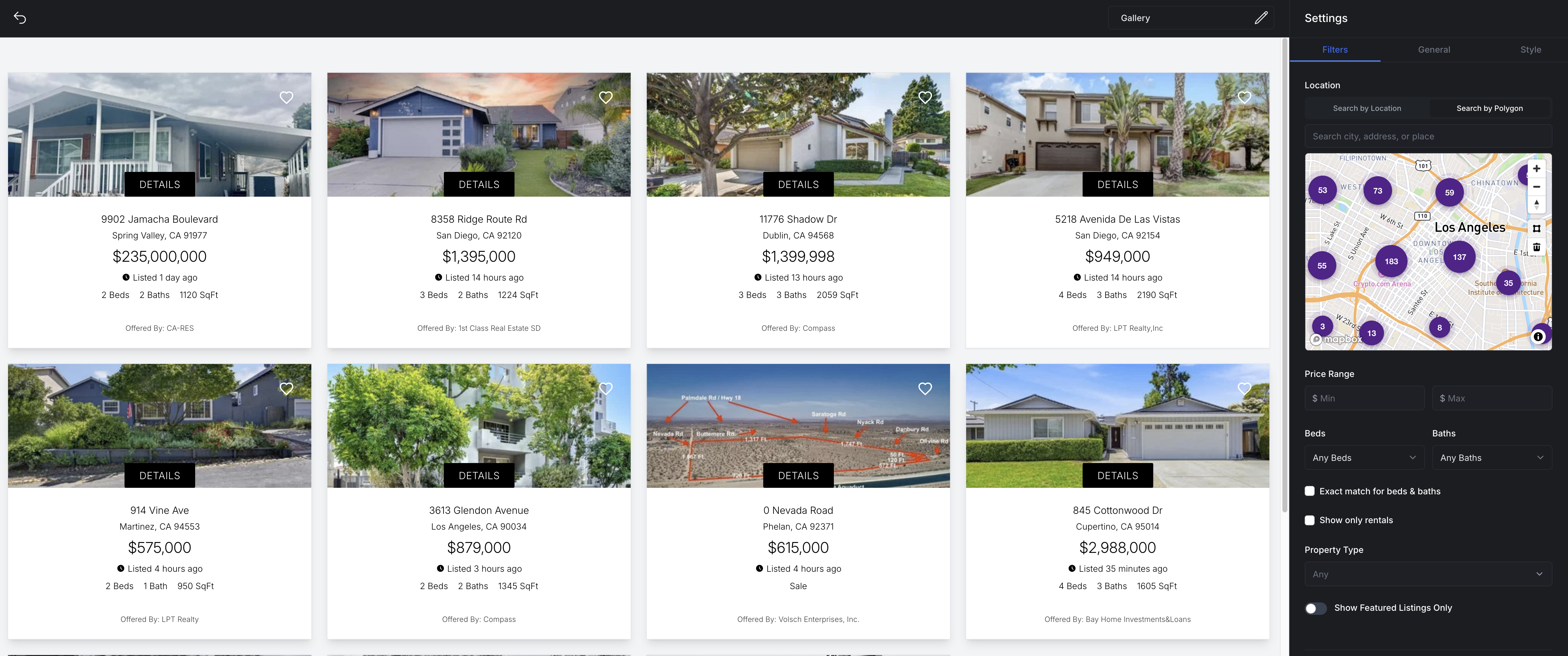
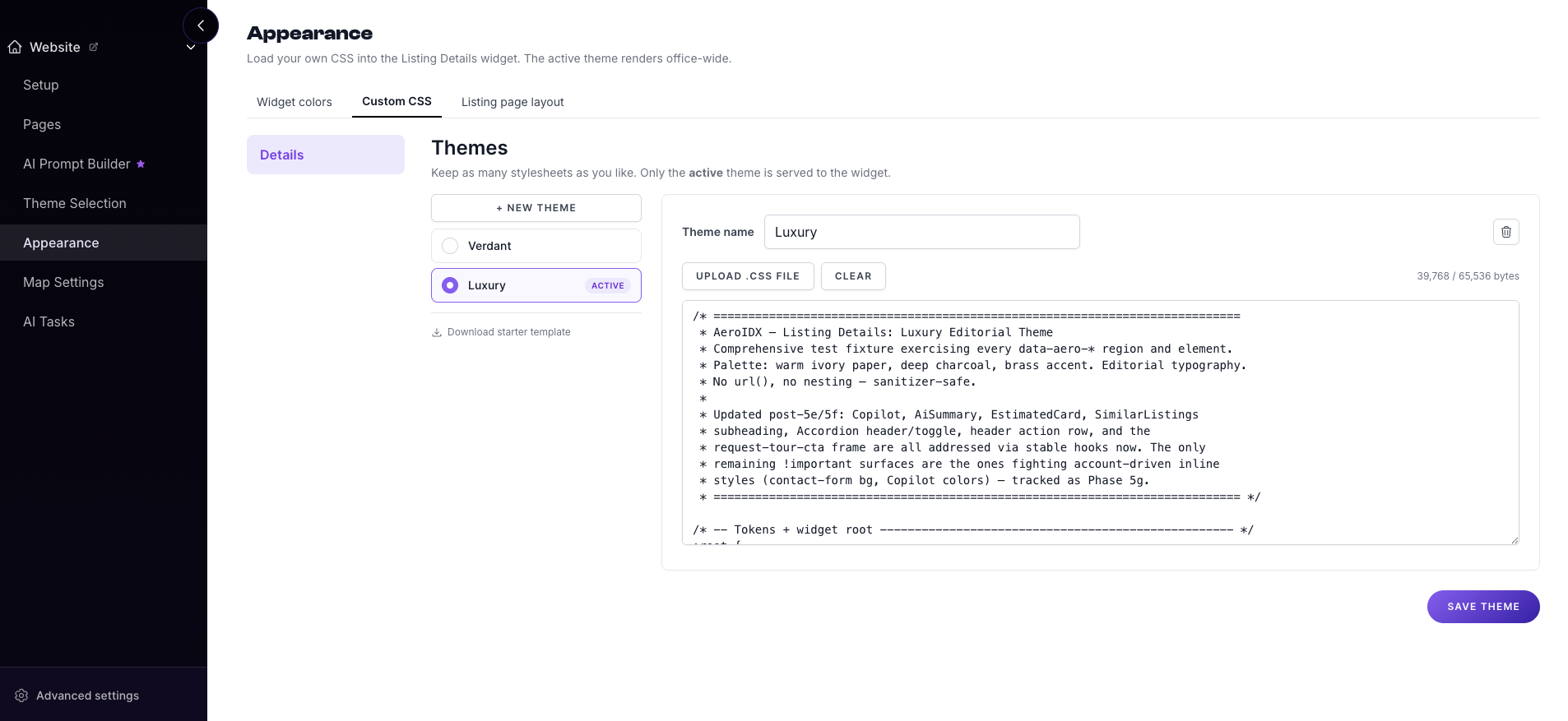
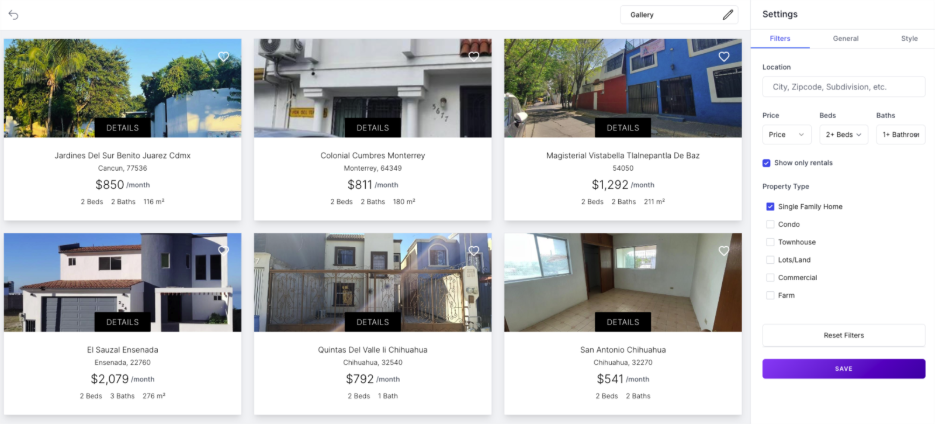
We’ve added a dedicated toggle to the Gallery settings to make filtering easier. You can now enable the “Show only rentals” option in the Filters tab to display only for-lease properties, automatically hiding all for-sale listings from view.

  • Simple toggle in Gallery settings for rental-only views
  • Instantly hides all sales listings
  • Makes it easier to focus on lease opportunities
Gallery settings showing the 'Show only rentals' filter toggle in the Filters tab

New Agents Setup & Roster Integration

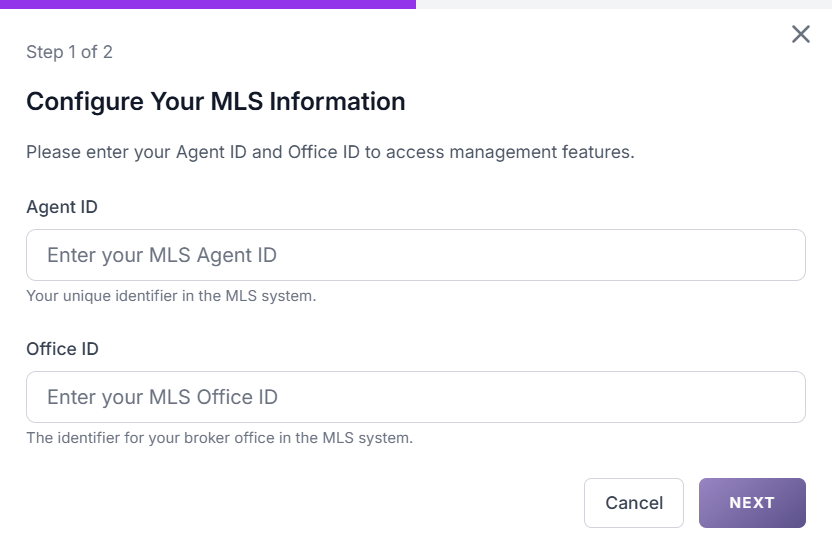
A new Agents section is now available to help you set up and manage your team more efficiently.

  • Enter Agent ID and Office ID to automatically load agents
  • Add agent photos, bios, and social media links
  • Agents appear on the Roster page with active listings
  • Connect agents to their HighLevel users for automatic assignments
Agents setup and roster integration interface

New Leads Tab Now Available

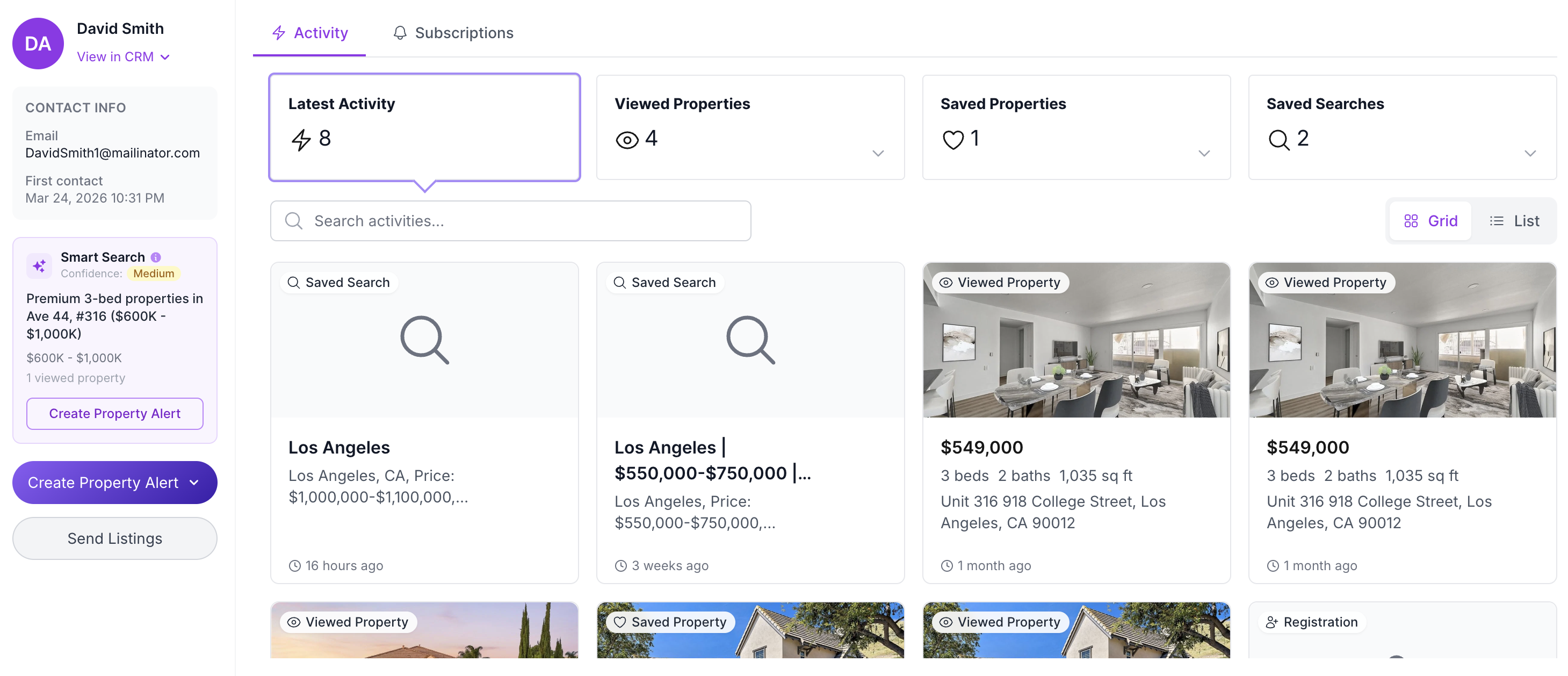
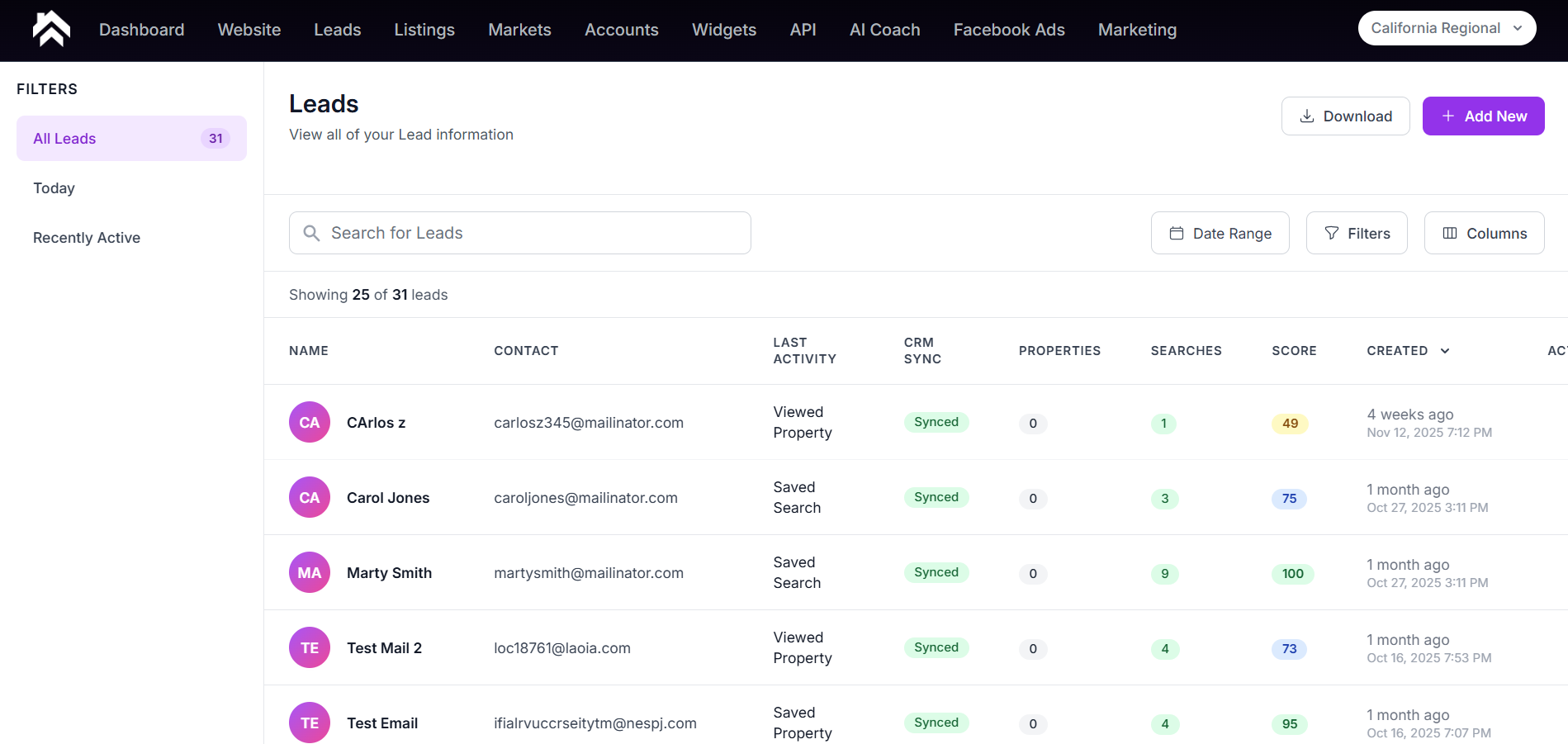
Managing your leads is now easier and more organized with the new Leads Tab. You now have a centralized location to view all registered leads.

  • View all registered leads in one place
  • Search and open individual lead profiles
  • Create alerts directly from a lead profile
  • Filter leads by registration date
  • See saved searches and saved properties
  • Add new contacts directly from the Leads tab
  • Create leads instantly in GHL with a single action
New Leads tab interface

Search by Keyword Now Available

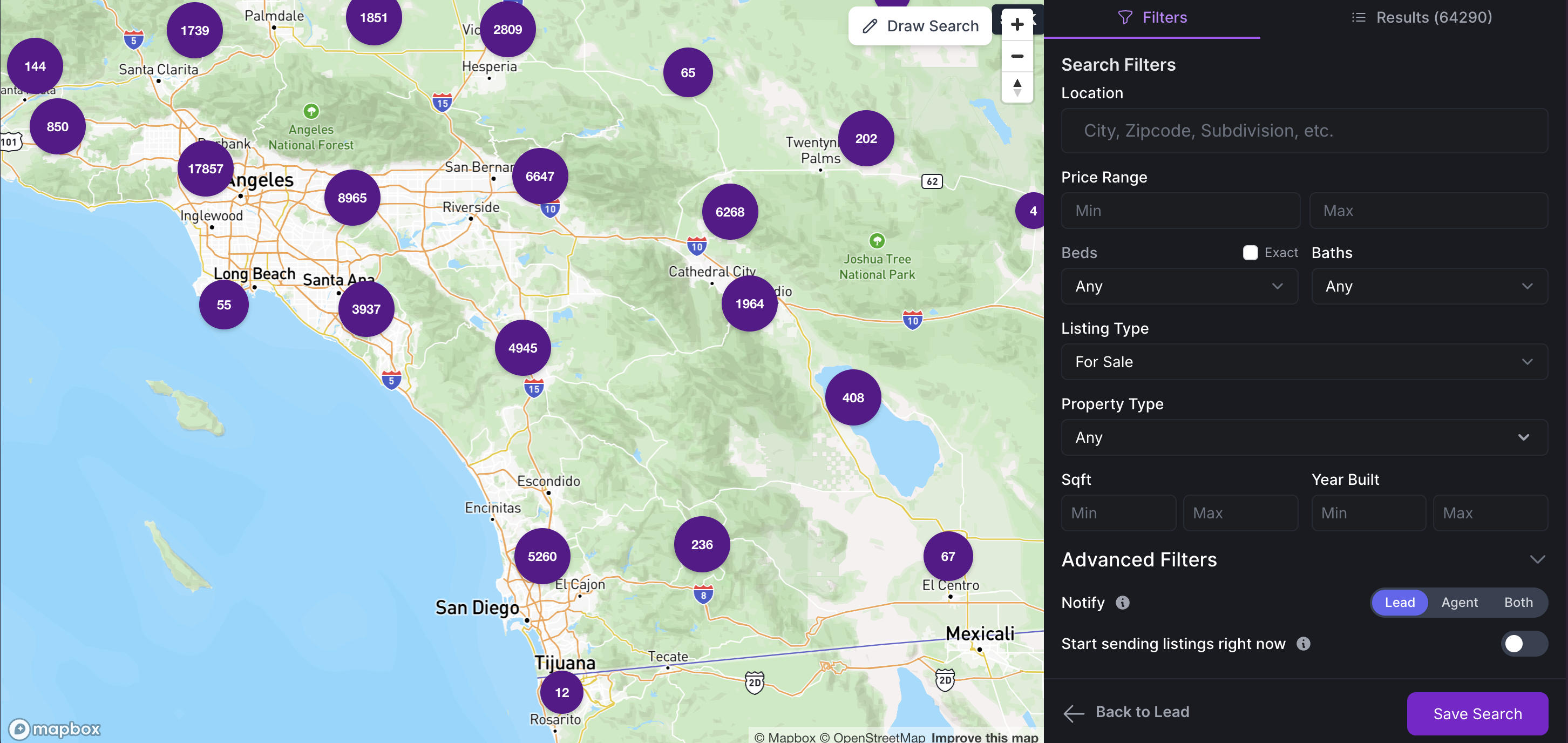
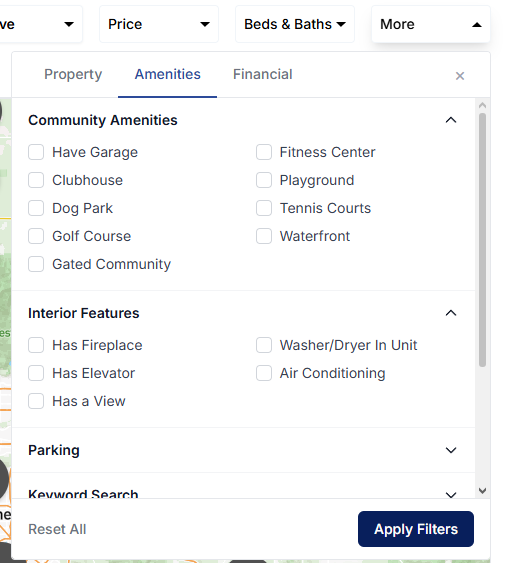
You can now search for properties by keyword to quickly find results that match specific criteria, such as listings with pools or ocean views.

Search by keyword feature showing property search interface